
Install the CLI
ExperimentalWrite from the terminal on macOS or Linux. The CLI uses the same Google Drive folder as the app, so your entries sync between them.
Install it
Needs Node 18 or later. It runs on macOS and Linux.
npm install -g @reflect-day/clireflect login # sign in to your Google Drive, oncereflect # open the journalSign-in opens a browser once and then hands control back to the terminal. On a machine with no browser at all — a Pi over SSH, say — write to us and we'll point you at the headless flow.
What it does today
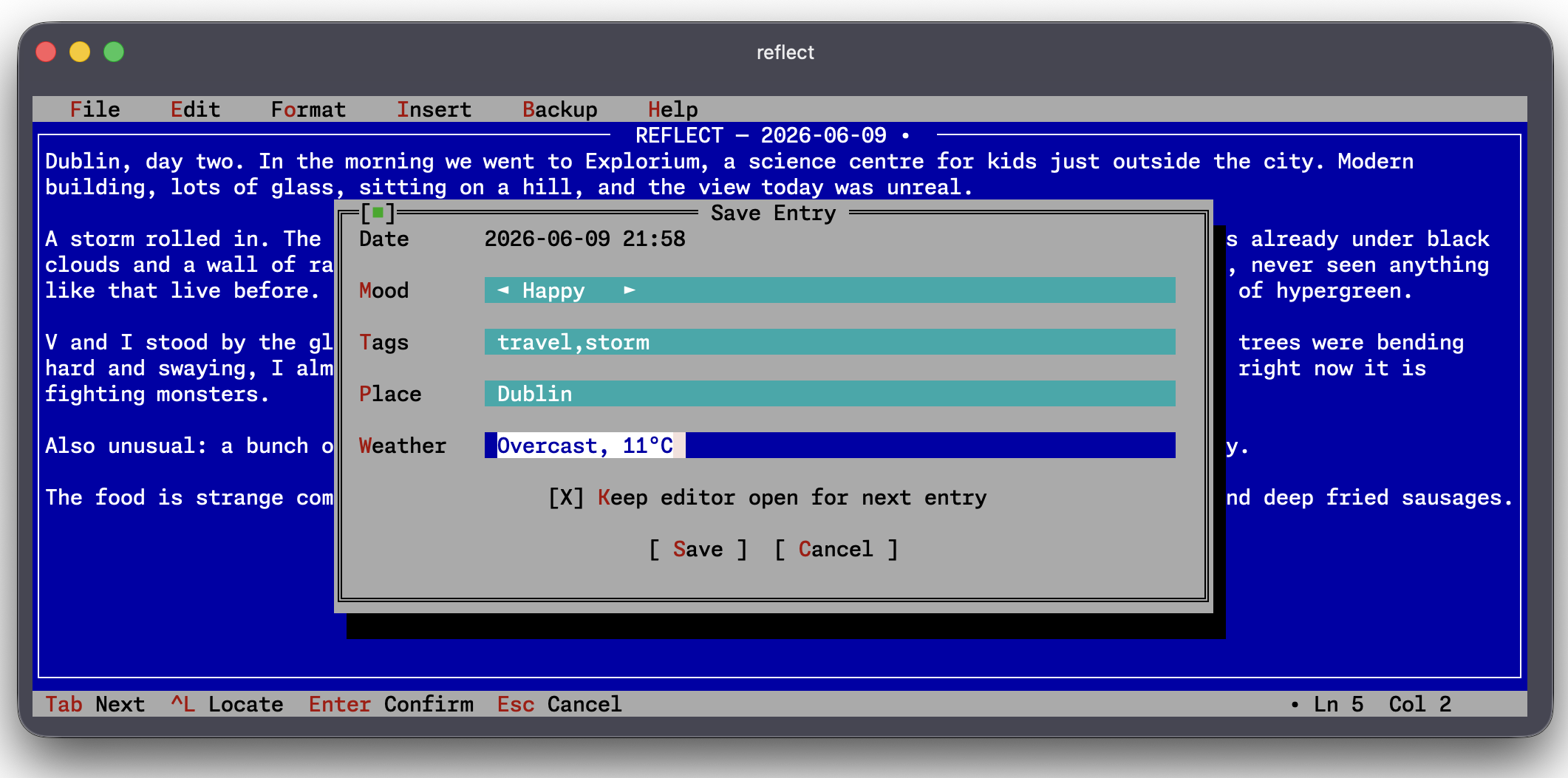
Write and edit entries, browse the calendar, attach media, and search — with a spellchecker in the editor and a handful of visual themes, one of them a fairly committed DOS pastiche. It can also take an encrypted local backup of a journal.
Nothing on screen but the page
A full-screen editor with no notifications and no clutter, styled after the blue MS-DOS and Borland EDIT.COM editors. Just you and the blank line. There are other themes if that one is too much.
Encrypted on disk
Your saved Google credentials and any entry that has not reached Drive yet are encrypted on disk with AES-256-GCM under a password you choose. Like the app, entries are plain text once they are in your Drive.
Backups from the terminal
Take an encrypted snapshot of the journal whenever you want one, without a browser in the way. Useful on a machine that is always on.
Quick capture on macOS
A hotkey from any app
Press it and a small panel appears in the corner of the screen. Type a thought, hit ⌘↩, and it lands in your journal — no app switch, no editor to open. If your journal is locked, the text goes to the clipboard instead, so nothing is lost.
Or dictate to Siri
Set up a one-action Shortcut once and say “Hey Siri, Journal”. Siri transcribes what you say and saves it as an entry, hands-free. Both of these ship with the CLI and are macOS only.
Same account, same data, same rules
It signs in to your Google account with the same installed-app flow described on the Developers page, and reads and writes the exact same entry format. Your refresh token is encrypted at rest with a password you choose — there is no code path that writes it in plain text.
The CLI is experimental and still rough around the edges. The installable app is the main way to use Reflect Day — get Reflect.