
Documentation
Guides & reference.
Set up your journal, learn what you can do with it, and understand where your entries are stored.
Start here
Set up your journal
Install Reflect Day, connect Google Drive, and write your first entry.
Read the setup guide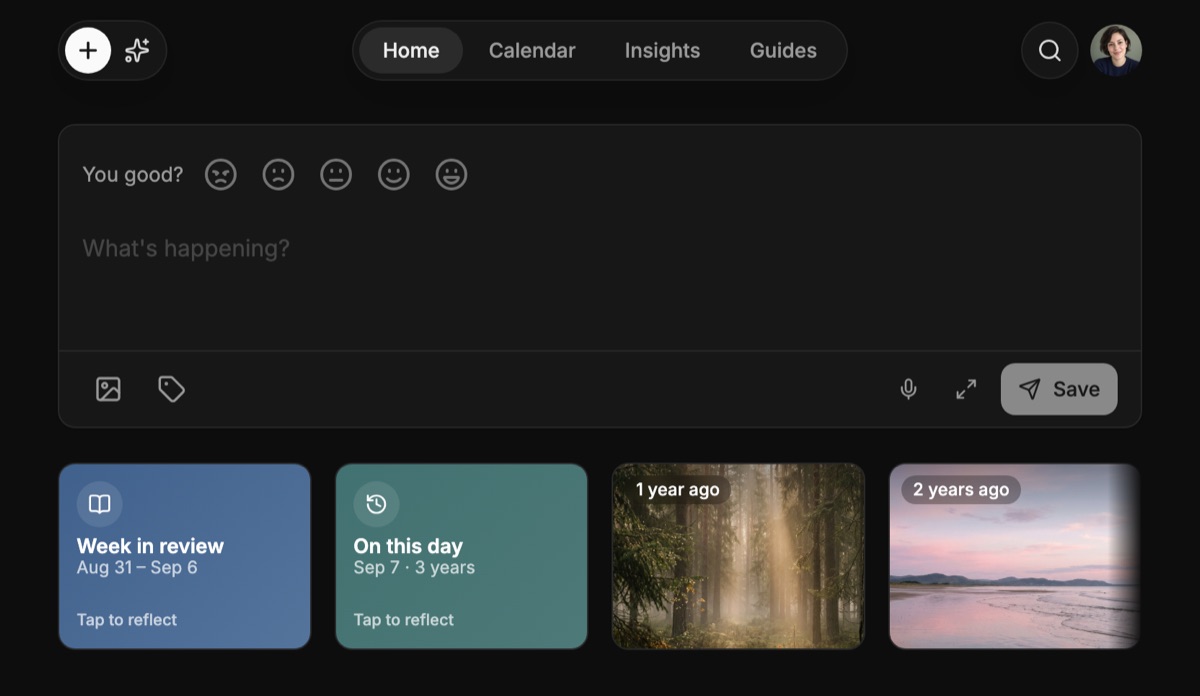
Writing & revisiting
Using Reflect Day
Entries, voice notes, Rediscover, and optional AI. What each part of the journal does.
Write about a past day
Open a date in the calendar or start with a photo taken that day.
Create a theme with AI
Choose colours, fonts, and effects. Copy a prompt, preview the result, and save it.
What the research says
Studies on writing and revisiting memories, with their sources and limitations.
Your data & tools
Storage, sync & backups
Where your entries live, what is encrypted, and how to keep a separate copy.
Developers
The Google Drive data contract: entries, attachments, edits, and deletions.
Install the CLI
Write from the terminal and work with the same journal on macOS or Linux.
Need help?
Ask a question, report a problem, or suggest a change.